Assessment & recovery
Identify models, firmware, recording architecture, user access, storage health, network dependencies, and the actual cause of unreliable operation.
Hanwha Vision systems & support
210 Solutions helps organizations design, support, expand, take over, and modernize Hanwha Vision surveillance environments around clear evidence, dependable recording, practical operations, and long-term accountability.
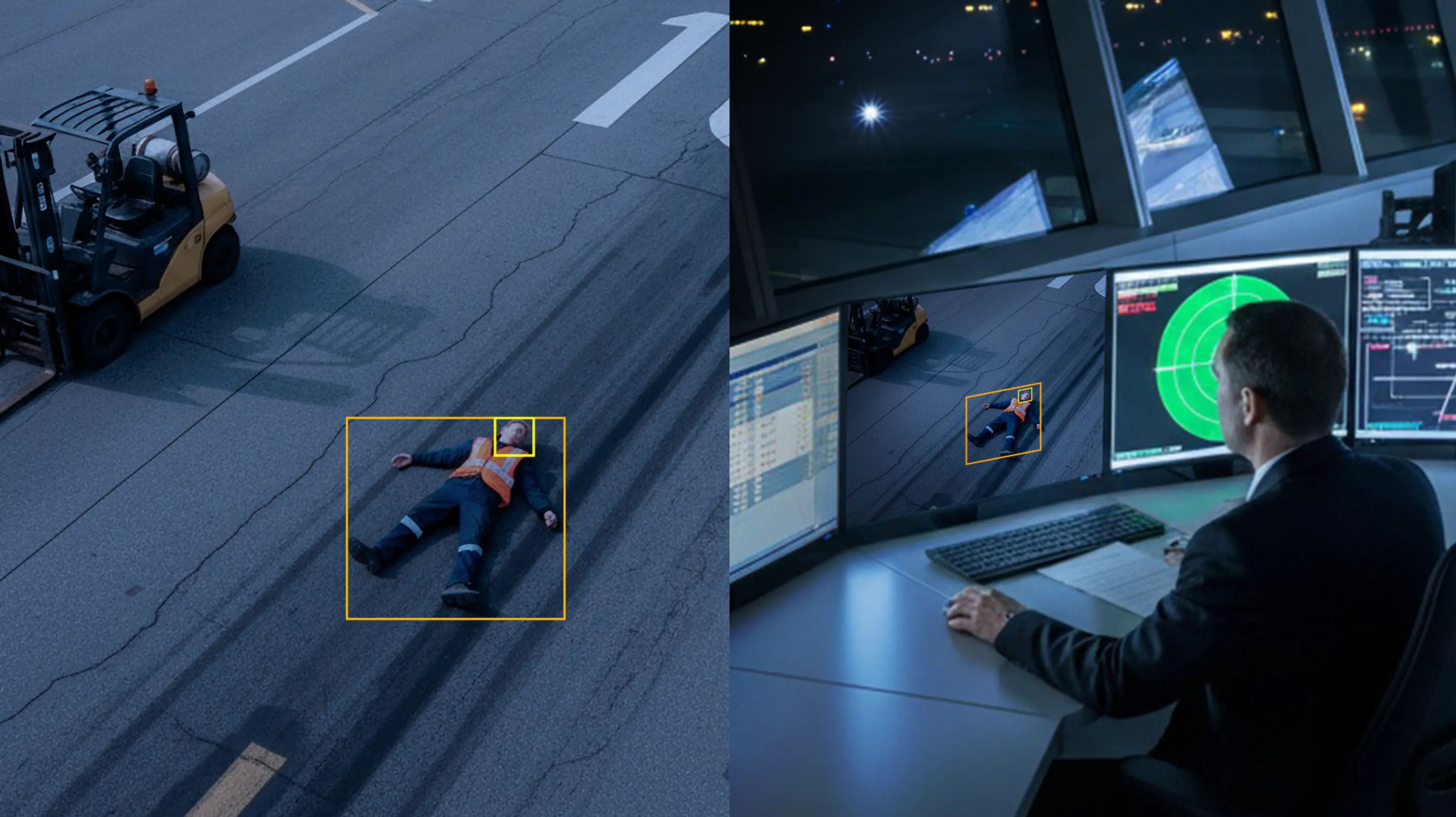
Start with the operational problem
A Hanwha Vision environment may include network cameras, embedded recorders, Wisenet WAVE servers and clients, storage, mobile or desktop viewing, analytics, integrations, and network dependencies. The right path depends on what is installed and what the organization needs the system to do.
Identify models, firmware, recording architecture, user access, storage health, network dependencies, and the actual cause of unreliable operation.
Verify recorder or server capacity, camera compatibility, licensing, retention, bandwidth, PoE, and software requirements before adding devices.
Review server-client architecture, permissions, layouts, playback, export, remote viewing, and the way operators use video during real events.
Determine whether the existing system should be retained, repaired, expanded, migrated in phases, or replaced based on risk and operating needs.
Technically grounded
Hanwha Vision’s current ecosystem includes network cameras, network video recorders, Wisenet WAVE video management, viewing software, and system-health tools. Features and compatibility vary by model, firmware, software version, license, architecture, and region.
210 Solutions separates verified manufacturer information from project judgment. We document the installed environment, confirm current support information, and then recommend a path that fits the building and the people responsible for it.
Where 210 can help
Camera outages, recorder or server issues, missing video, storage alerts, export problems, connectivity, permissions, and remote-access failures.
Scene objectives, camera placement, image requirements, recording architecture, storage, retention, networking, and operator workflow.
Inventory inherited systems, recover available administration, document the current state, reduce unknowns, and establish an accountable support path.
Add cameras, recording capacity, viewing stations, or locations only after compatibility and infrastructure requirements are understood.
Plan or review servers, clients, device connections, permissions, licensing, layouts, rules, playback, exports, and supported integrations.
Build a phased plan around operational continuity, useful infrastructure, security policy, lifecycle, budget, and future supportability.
A practical process
Clarify the problem, system history, operational priorities, and access available for assessment.
Inventory the installed system and its network, recording, software, storage, and user dependencies.
Check current manufacturer documentation, compatibility, firmware, licensing, and lifecycle information.
Explain the repair, expansion, support, or modernization path in plain language before work begins.
Operator visibility
The right interface should support the people responsible for live viewing, playback, search, export, and system health. 210 Solutions configures those workflows around the installed environment and verifies what the current system can support.
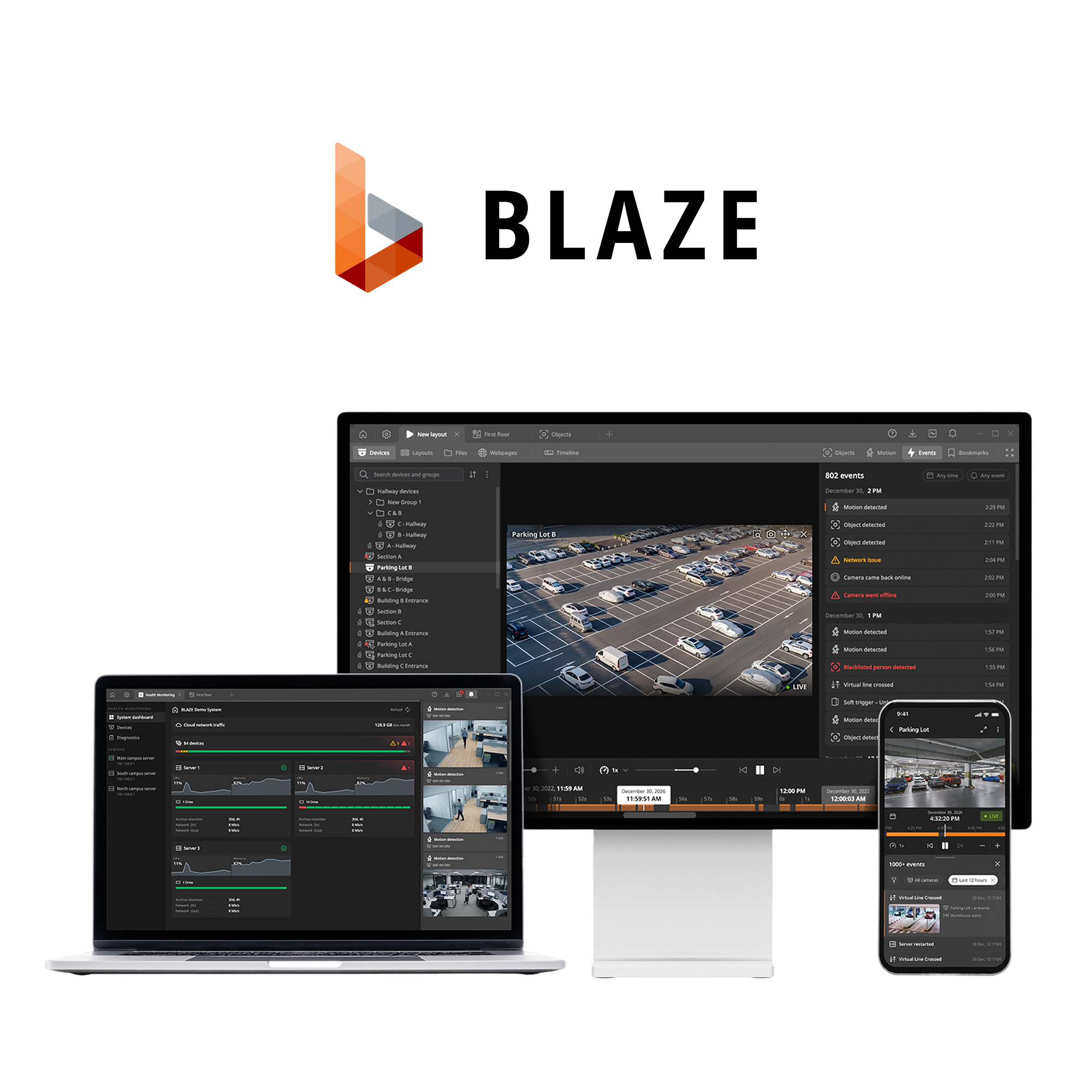
Useful views, not feature theater
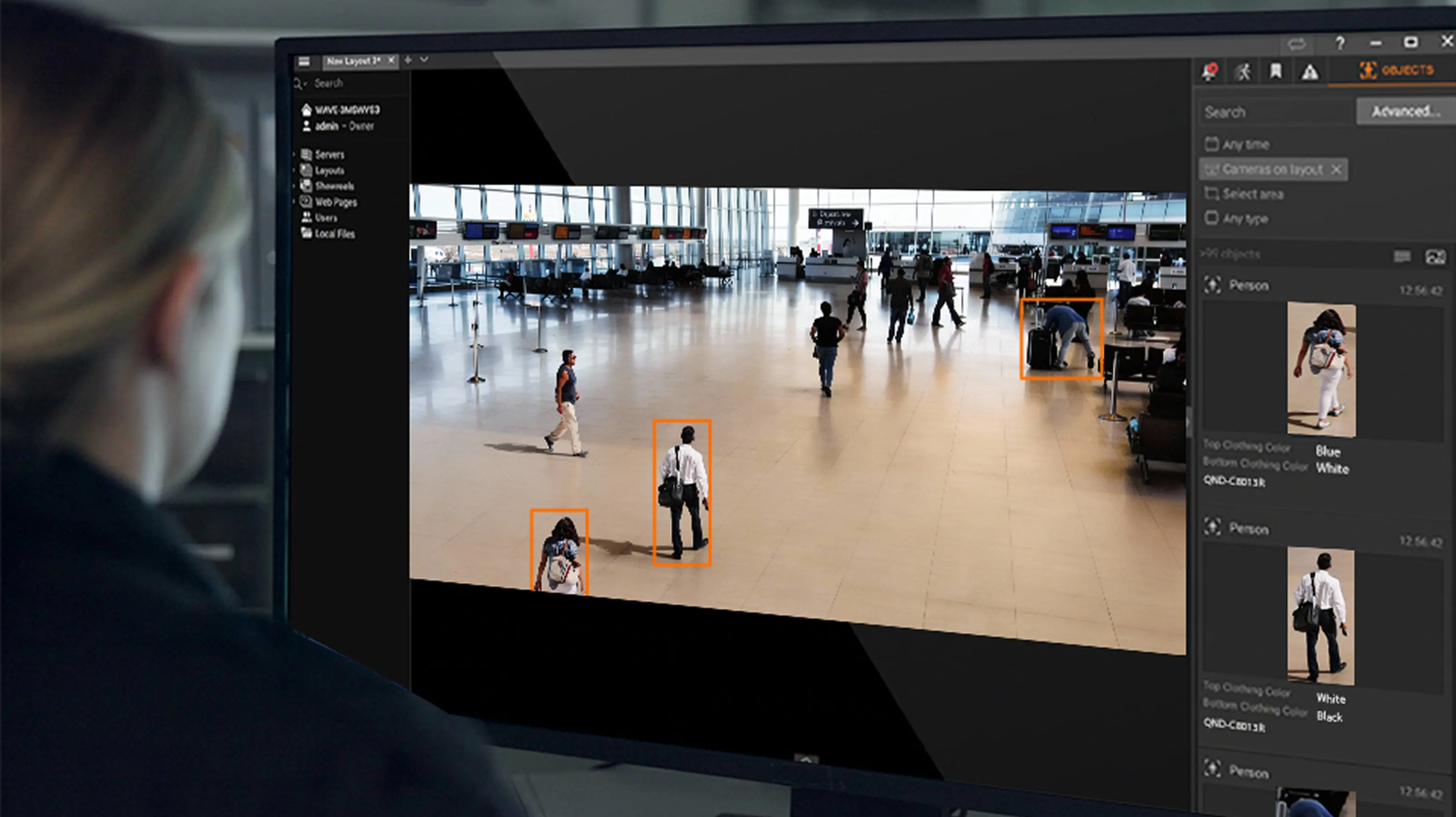
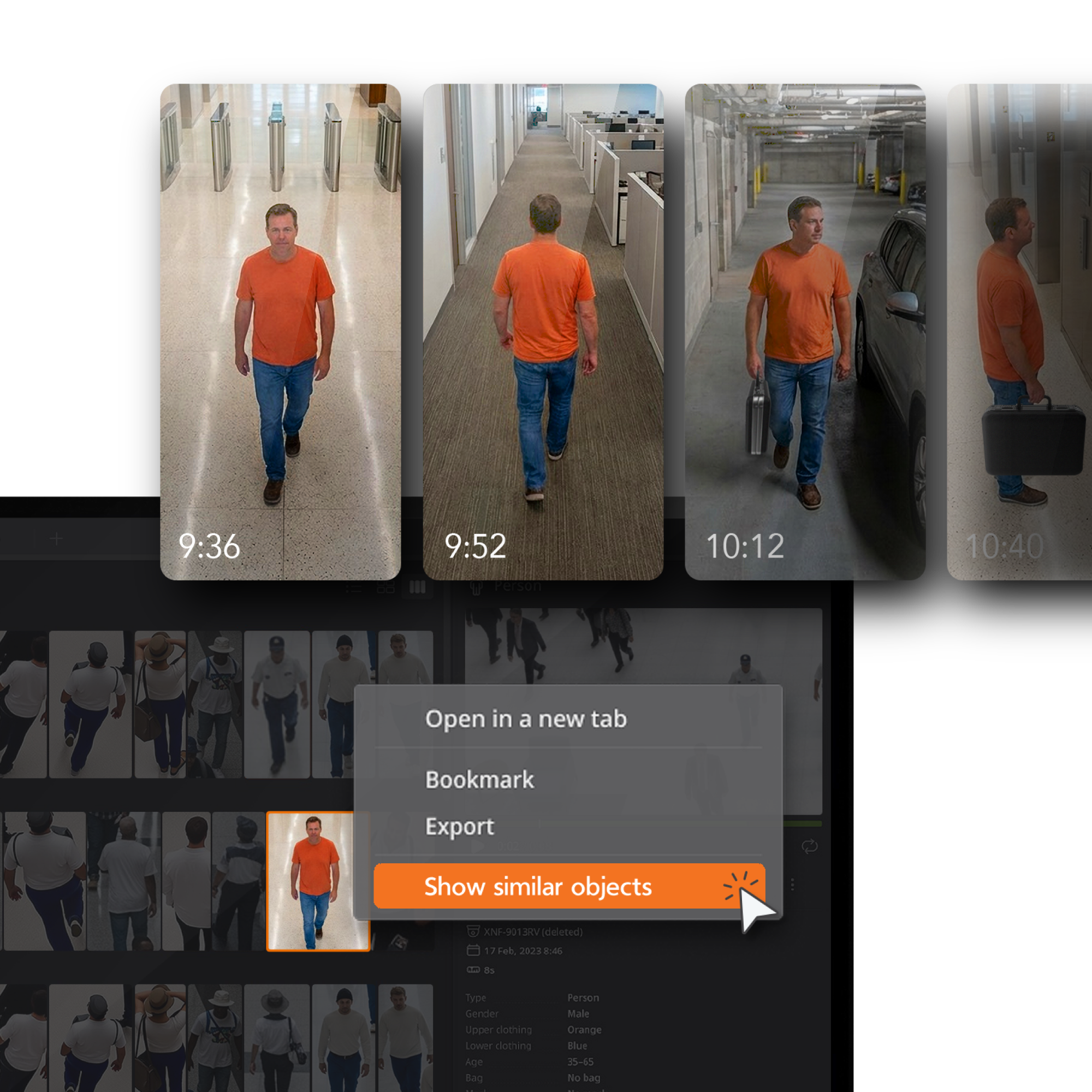
These examples show the kinds of review, detection, and search interfaces that can help teams work through activity across complex environments. The exact functions available depend on the installed cameras, software, licenses, configuration, and current compatibility.

Get support or start a project
We’ll help determine whether the next step is troubleshooting, assessment, expansion, takeover, or modernization.