Aurora administration
Get help with authorized user, credential, schedule, and reporting changes when the installed environment and available access support them.
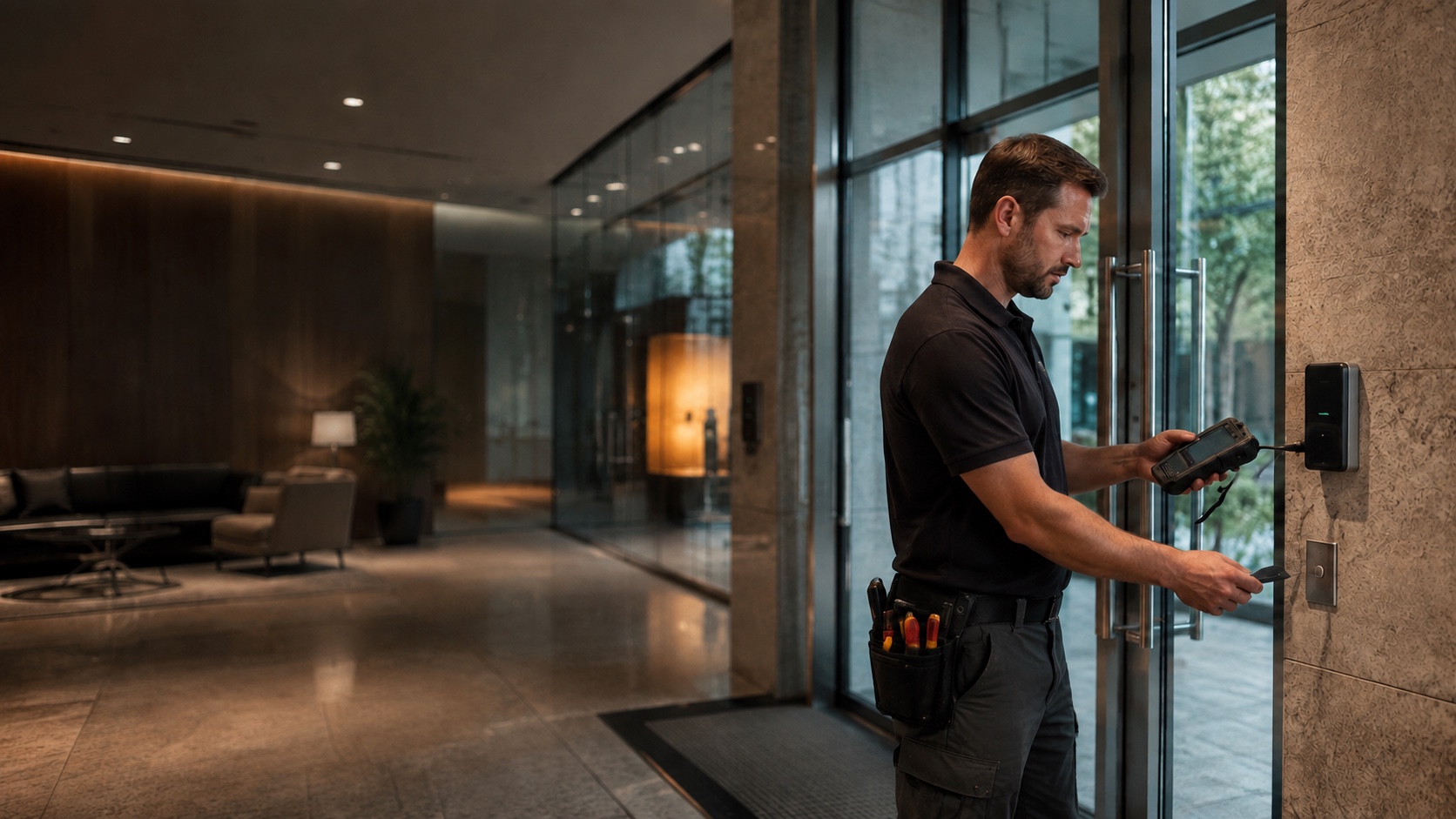
KEYSCAN ACCESS CONTROL SUPPORT
Whether you need help administering an existing Keyscan system, diagnosing a door or credential problem, taking over an inherited installation, adding doors, or planning an upgrade, 210 Solutions can help you determine the right next step. We begin with the Aurora environment, controllers, doors, credentials, server access, and documentation you actually have—not assumptions about how the system was originally installed.
HOW WE CAN HELP
Get help with authorized user, credential, schedule, and reporting changes when the installed environment and available access support them.
Investigate doors that do not respond correctly, readers that behave inconsistently, and credentials that are not producing the expected access.
Review the Aurora software environment, server access, database condition, backups, and the information needed to support the system responsibly.
Assess the existing architecture before expanding the system so new openings fit the installed environment and the organization’s operating needs.
Establish ownership, access, documentation, and a practical support baseline when the original installer is unavailable or no longer the right fit.
Compare retaining the current system, improving selected parts, or moving toward a different platform without treating replacement as the automatic answer.
TAKEOVER SUPPORT
Inherited access-control systems often arrive with incomplete records, uncertain passwords, old servers, and a mix of equipment from different phases of work. That does not automatically mean the entire system must be replaced. 210 Solutions can document what is present, identify what can be accessed and supported, and explain the practical options in plain language.
OUR APPROACH
Our approach begins with the customer’s immediate need and the condition of the existing environment. We review available access and documentation, verify the software and field hardware in use, isolate the problem or expansion requirement, and provide a prioritized path forward. The result may be a focused correction, administrative assistance, an expansion plan, phased modernization, or replacement where the evidence supports it.
Atlanta-based. Supporting organizations across Georgia, the Southeast, and select locations beyond the region when the project is a fit.
PRACTICAL OPTIONS
The right decision depends on system condition, administrative access, available documentation, hardware status, security requirements, and future plans. We help separate components that remain useful from items that create risk or unnecessary limitations, then recommend a path that fits the building and the organization—not a predetermined product sale.
Request a CallbackPROOF
210 Solutions restored the existing Keyscan access-control environment and added video intercom, visitor verification, staff training, and controlled door release. The project shows how an inherited system can be stabilized and improved without treating full replacement as the automatic first step.
COMMON QUESTIONS
Yes. We can begin by reviewing the system, available credentials, documentation, software environment, and field hardware, then explain what can be supported and what needs attention.
Where authorized access and the installed environment permit it, we can evaluate needs involving users, credentials, schedules, reporting, and related administration.
Not automatically. We first determine what is working, what remains supportable, what limits the organization, and whether repair, expansion, modernization, or replacement is the more responsible choice.
Possibly. The existing software, controllers, licensing, credentials, capacity, and site conditions must be verified before an expansion is recommended.
Share whatever you have: the system location, the issue or change you need, software or server information, recent reports, photos, prior proposals, and known administrator access. Incomplete information is common and does not prevent the conversation.
KEEP EXPLORING
REQUEST A CALLBACK
Whether the need is troubleshooting, administration, an added opening, a provider change, or a longer-term upgrade plan, share what is happening and what you need the system to accomplish. Please do not include passwords, access codes, or other sensitive security information in the form.