Need a new room?
We design and build conference rooms for Teams, Zoom, Google Meet, Webex, BYOD, and other appropriate meeting workflows.
Tell us about the room →
HOW WE CAN HELP
210 can build a new collaboration space, improve existing rooms, or troubleshoot a room that is getting in the way of meetings.
We design and build conference rooms for Teams, Zoom, Google Meet, Webex, BYOD, and other appropriate meeting workflows.
Tell us about the room →We can modernize rooms, standardize locations, replace weak components, and create a more consistent user experience.
Tell us what you want to improve →We troubleshoot control, audio, cameras, displays, cabling, programming, and network-related issues—even when another integrator installed the room.
Tell us what is happening →COMMON ROOM PROBLEMS
You do not need to diagnose the conference-room AV before calling. Tell us what users experience, and 210 Solutions can help find the cause.
Users hunt for cables, inputs, controls, or the correct meeting mode while everyone waits.
Microphones miss parts of the table, remote participants struggle to follow the room, or audio feeds back.
Framing, coverage, and sightlines do not match the way people actually use the space.
Routine meetings require too many steps, and different rooms behave in different ways.
Wireless sharing, guest laptops, displays, or source switching work only some of the time.
210 can troubleshoot, document, and improve rooms installed by another provider.
Room evaluation
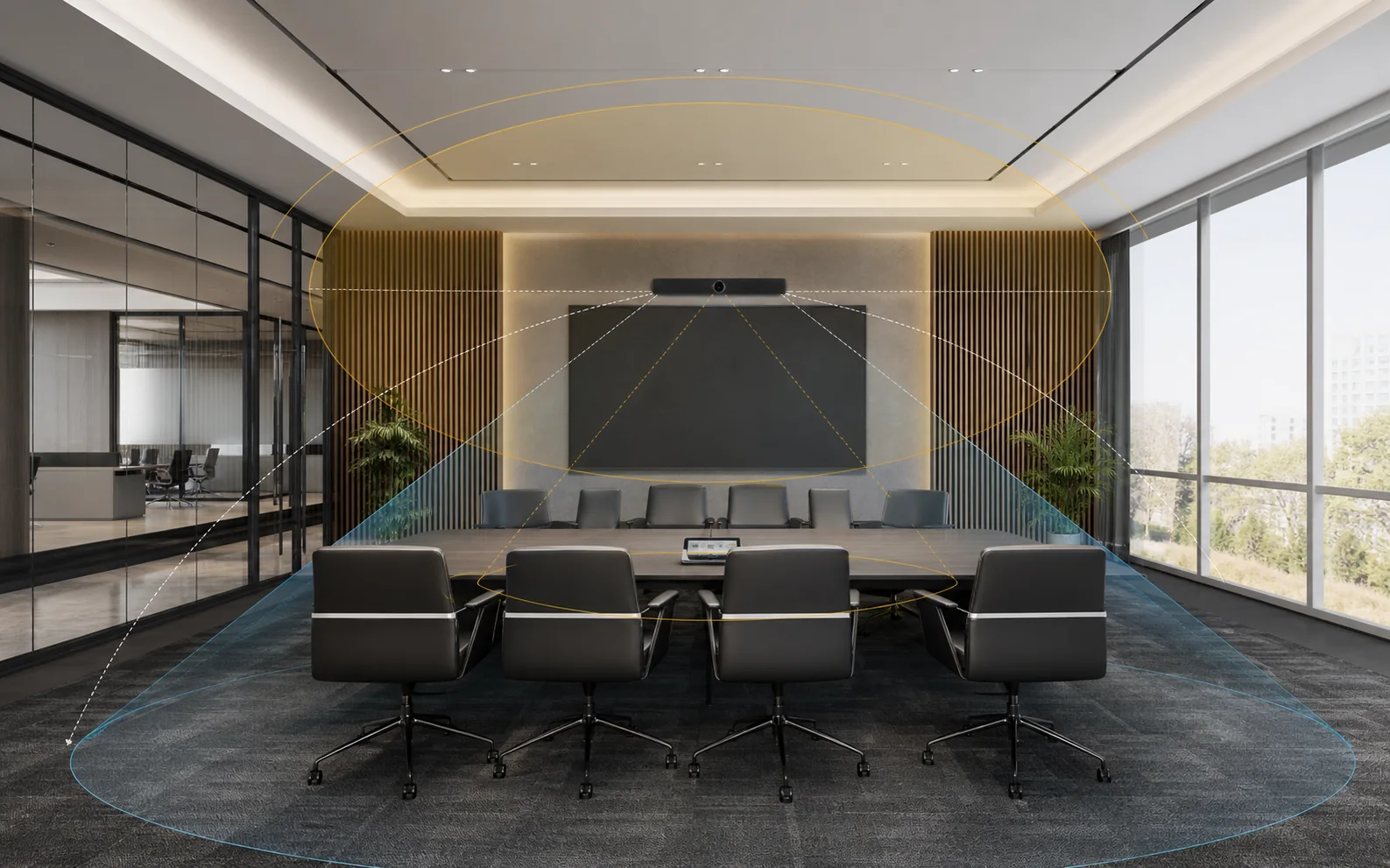
210 evaluates how the meeting needs to run and then works through the room, technology, and support decisions together.
NEW ROOMS AND RENOVATIONS
210 Solutions designs conference and collaboration rooms for Microsoft Teams, Zoom, Google Meet, Webex, BYOD, and other appropriate workflows. The room may use Yealink, Q-SYS, RTI, or another suitable platform, but the recommendation starts with the people, the space, existing standards, and the experience the organization needs.
Different rooms may need different cameras, microphones, displays, controls, and processing. The goal is not identical hardware—it is a dependable experience that people understand.
Tell us how your team meetsMULTI-LOCATION STANDARDS
An employee should be able to walk into a room in Atlanta, Salt Lake City, California, Florida, or another company office and already know how to start the meeting, share content, and get help.
Keep the interface, meeting-start process, controls, room naming, and support path familiar across locations.
Huddle rooms, boardrooms, and training spaces can use different equipment while preserving the same operating idea.
Consistent commissioning, naming, records, and escalation paths make a growing room program easier to support.
EXISTING ROOMS
210 Solutions can troubleshoot conference rooms installed by another integrator. We can determine what is actually wrong, identify useful equipment that can stay, and separate immediate repairs from longer-term modernization.
That may mean correcting audio or camera coverage, simplifying controls, repairing a failed connection, updating programming, improving documentation, or planning a phased room standard.
Explore AV modernization and supportDifferent organizations, room sizes, and technology choices—each shaped around a clear, familiar meeting experience.
Modernized room control and collaboration technology to support one-touch startup with detailed control available when needed.
View the McMaster-Carr projectCreated a familiar Microsoft Teams workflow across rooms while sizing the equipment to fit each space.
View the Brunner projectModernized three rooms with a consistent one-touch experience while adapting microphones, displays, and coverage to each room.
View the SREB projectYes. We can evaluate and troubleshoot an existing room regardless of who installed it, then explain what can stay, what needs repair, and what may be worth modernizing.
No. The experience can stay familiar across rooms while microphones, cameras, displays, and other equipment are selected for each room’s size and use.
It can be designed around Microsoft Teams, Zoom, Google Meet, Webex, or bring-your-own-device workflows. The right approach depends on the workflow, licensing, and compatible equipment.
Not necessarily. We start by identifying what still works and where the room is failing so the next step can be targeted instead of automatic full replacement.
Tell us what you’re working on or what isn’t working. Whether it’s a new installation, an upgrade, a takeover, or a system that needs troubleshooting, we’ll help you figure out the next step.
We will respond the same business day.