Multiple locations
Centralize administration while preserving the schedules, roles, and response needs of each building.
Brivo access control
210 Solutions designs, integrates, modernizes, and supports Brivo environments around the people, doors, locations, and operating rules your organization actually has.
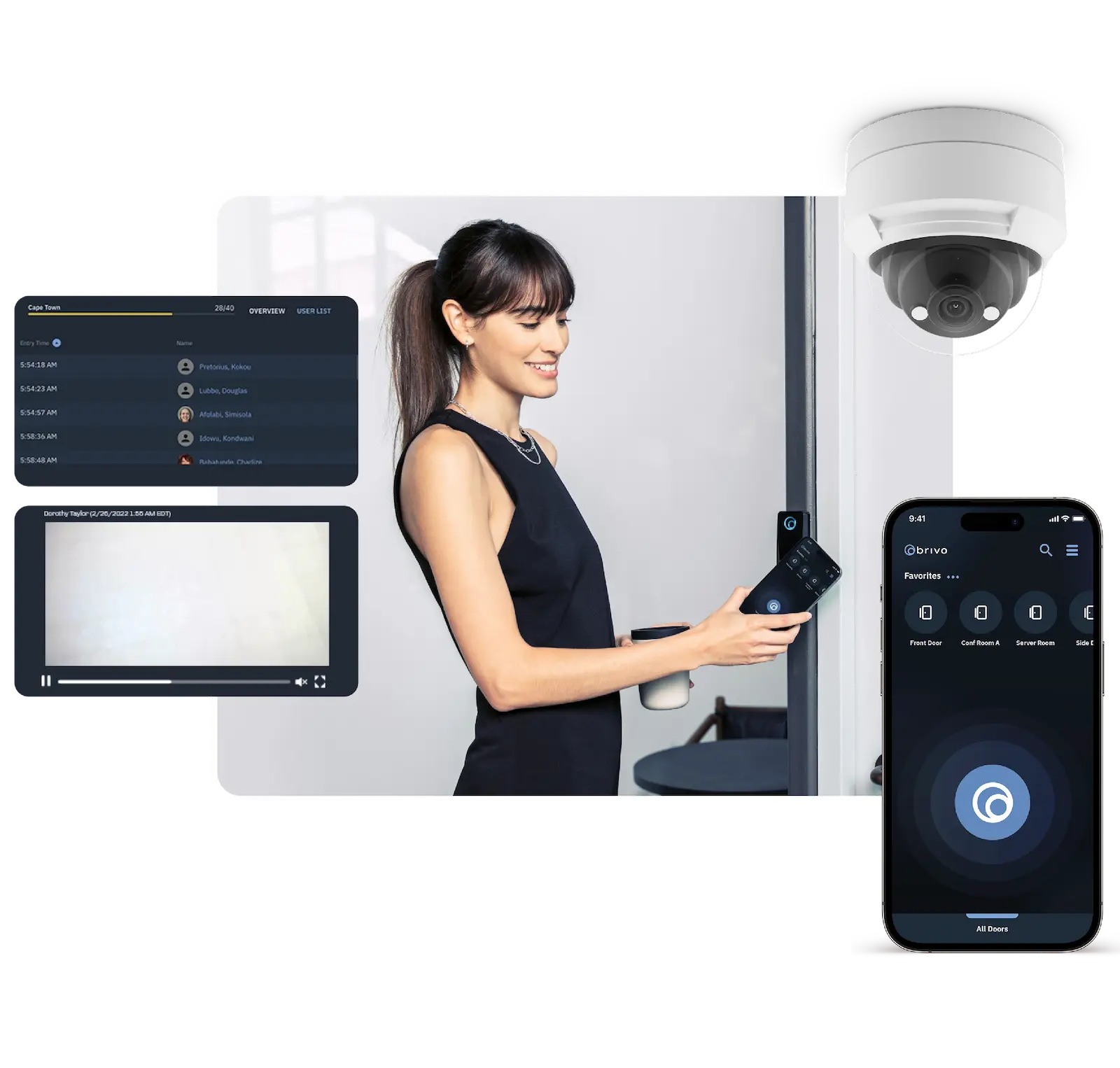
Start with the operating problem
A cloud interface does not fix unclear permissions, inconsistent door schedules, bad network planning, or a rushed migration. We begin by documenting how access should work across the organization.
Centralize administration while preserving the schedules, roles, and response needs of each building.
Plan credential and identity workflows around onboarding, role changes, temporary access, and prompt offboarding.
Give authorized teams useful visibility without ignoring network resilience, permissions, or local response procedures.
Determine what can remain, what must change, and how to phase the transition without creating new unknowns.
One operating view
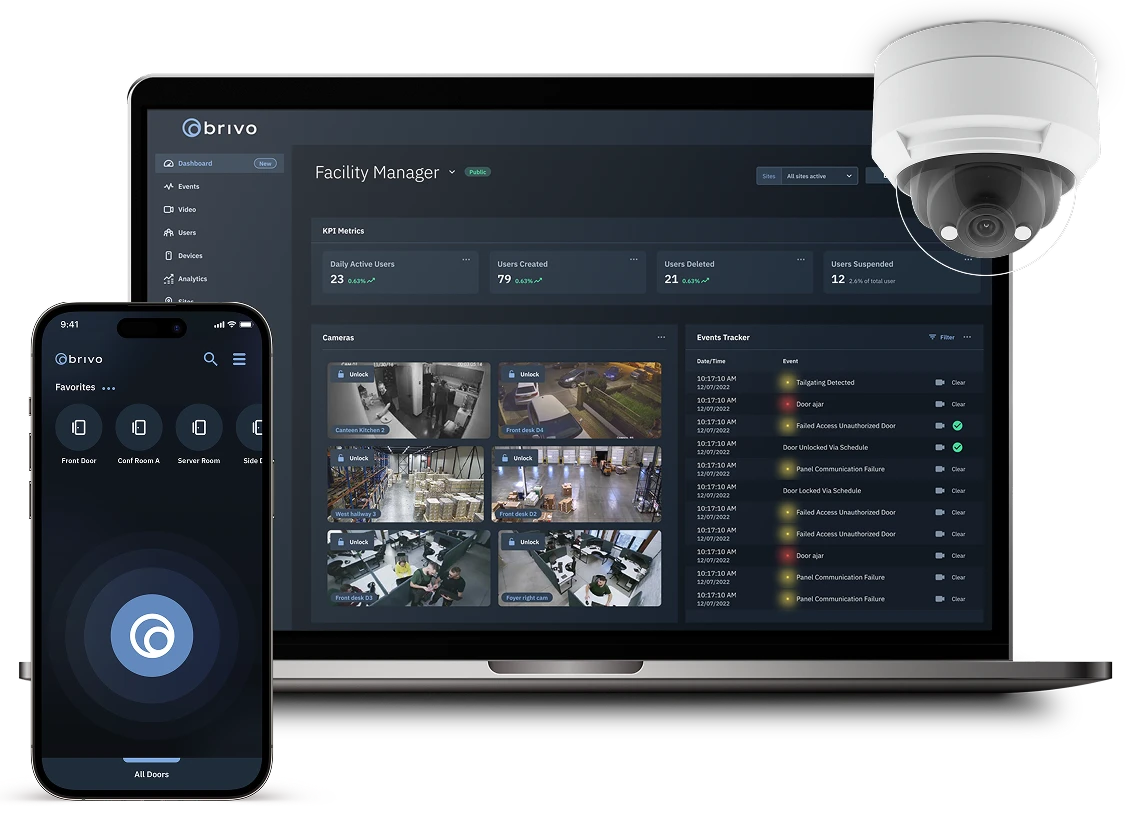
Brivo’s current Security Suite brings access control, video intelligence, visitor management, and intrusion workflows into a cloud-based platform. That can reduce tool switching and help teams review activity with better context.
Specific features depend on the selected edition, licenses, hardware, integrations, software configuration, and current compatibility. 210 Solutions verifies those details before recommending an architecture or migration plan.
Platform overview
This official Brivo overview introduces the Security Suite and the way access, video, visitor, and intrusion information can be brought together. We use the requirement—not the demo—as the basis for design.
Where 210 Solutions fits
Brivo provides the platform. 210 Solutions works through the field conditions, integrations, migration decisions, documentation, and ongoing support that determine whether the system remains useful.
Door survey, reader and controller planning, credential strategy, schedules, network requirements, and phased deployment.
Inventory the installed system, recover available administration, reduce unknowns, and plan a controlled transition.
Define how user data, video, visitors, intrusion, elevators, intercoms, and building workflows should connect—then verify support.
Troubleshoot field hardware, connectivity, permissions, schedules, credentials, alerts, and growth across sites.
A strong fit when
What we verify
Common questions
No. A Brivo project may be a new deployment, an expansion, or a phased migration from an existing access-control environment. The available path depends on the installed hardware, wiring, door conditions, network, operational risk, and current compatibility.
Brivo offers mobile and wallet credential options, while cards, fobs, and PIN workflows may also be appropriate. Availability and requirements vary by edition, reader, credential technology, device, and licensing, so we verify the intended workflow before design.
Brivo’s current platform supports video workflows that can place access activity in visual context. The exact camera, video platform, storage, analytics, and licensing requirements must be confirmed for the proposed system.
Yes. We can begin with the problem: unreliable doors, credential issues, incomplete documentation, network trouble, expansion planning, integration questions, or an inherited system that needs an accountable support path.
Related paths
Doors, credentials, controllers, schedules, users, networks, and operating procedures.
Explore access control →Scene objectives, evidence, storage, retention, networks, and operator workflow.
Explore video surveillance →Cloud video management, evidence, search, retention, analytics, and remote operations.
Explore Eagle EyeStart with the building
We’ll help determine whether the right next step is design, assessment, support, expansion, takeover, or migration.