Camera image and connectivity
Investigate offline cameras, intermittent video, poor image quality, scene problems, and connectivity issues that reduce the usefulness of the system.
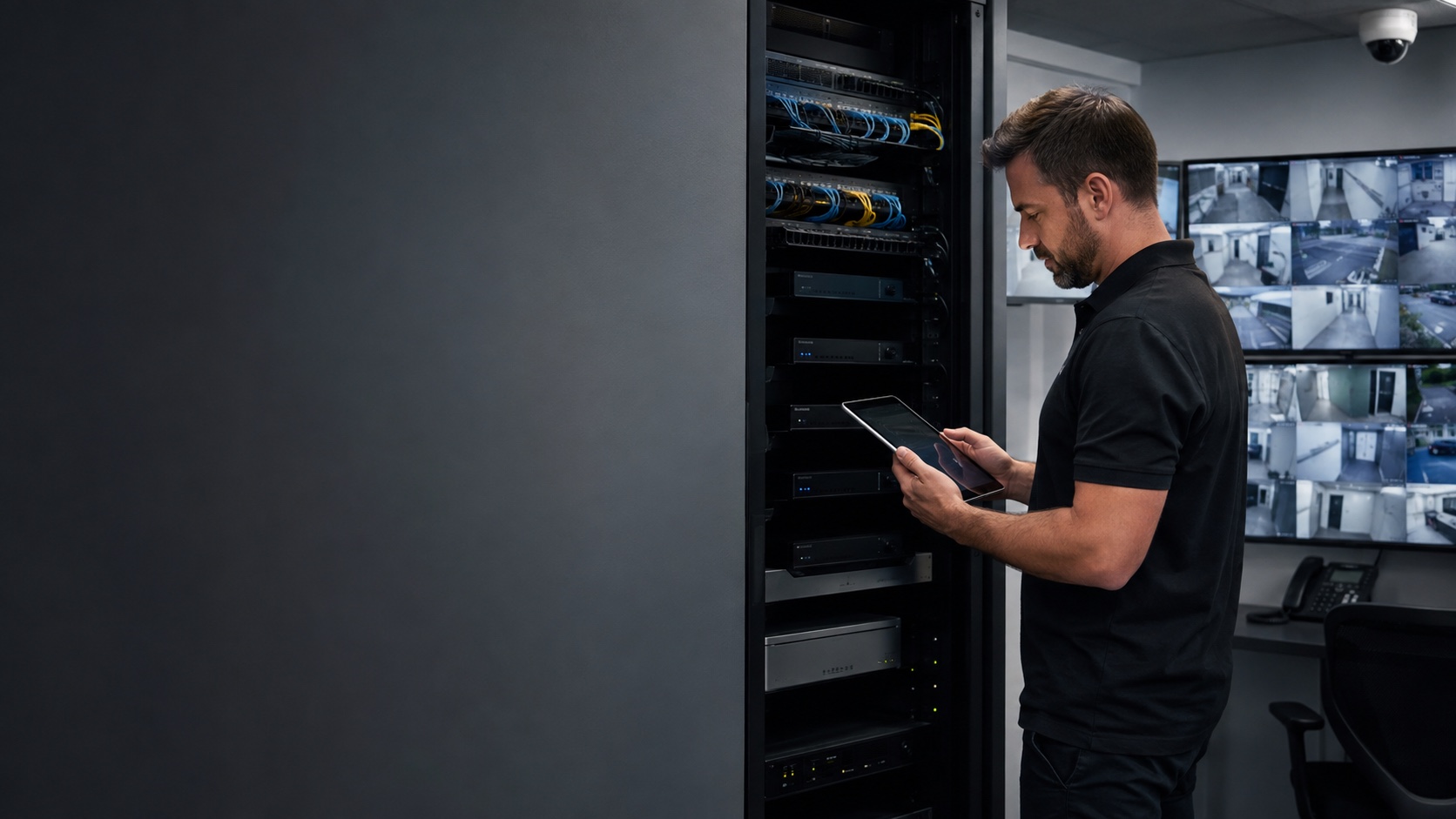
HIKVISION VIDEO SYSTEM SUPPORT
210 Solutions helps organizations assess, troubleshoot, administer, take over, expand, and modernize existing Hikvision video systems. We can begin with the cameras, recorder, storage, software, remote access, network, and business requirement already in place, then help determine whether the right next step is a correction, expansion, upgrade, phased migration, or replacement.
HOW WE CAN HELP
Investigate offline cameras, intermittent video, poor image quality, scene problems, and connectivity issues that reduce the usefulness of the system.
Review recording behavior, device health, storage condition, retention goals, and the factors behind missing or incomplete video.
Evaluate authorized-user problems involving search, playback, timestamps, event retrieval, and exporting video for an operational need.
Clarify system ownership, authorized users, permissions, remote connectivity, and the access needed to support the installation responsibly.
Check recorder, network, power, storage, and scene requirements before adding or changing cameras.
Develop a phased or complete transition plan when the installed environment no longer fits operational, support, or procurement requirements.
TAKEOVER SUPPORT
We can assess a system installed by another company and establish what is known, accessible, and working. If account ownership, passwords, documentation, or equipment status limits service, we identify the gap before proposing work. The goal is a supportable path—not an automatic promise that every installed device can or should remain.
OUR APPROACH
We start with the event, view, retention period, access workflow, or operational outcome the organization needs. Then we evaluate the relevant camera, recorder, storage, software, network, and administrative environment. Recommendations are based on the verified system and the customer’s requirements.
Atlanta-based. Supporting organizations across Georgia, the Southeast, and select locations beyond the region when the project is a fit.
PRACTICAL OPTIONS
The decision may involve more than whether a camera turns on. Image usefulness, recorder health, storage, cybersecurity requirements, account control, ongoing support, procurement rules, and future expansion can all affect the answer. We explain the options and identify any policy or regulatory question that the customer must resolve with the appropriate authority.
Request a CallbackPROOF
You should understand which parts of the system were verified, what is causing the immediate problem, where access or records are incomplete, which improvements are practical, and whether migration should be considered. The organization can then make its next technical and procurement decisions from a documented position.
COMMON QUESTIONS
Yes. We can assess the accessible cameras, recorder, accounts, storage, network, and current requirements, then define an appropriate support or modernization path.
We can evaluate recorder status, recording schedules, storage, time settings, camera connectivity, and other accessible factors. Recoverability depends on the verified condition of the system and stored data.
We can assess authorized account access, permissions, recorder connectivity, network conditions, and the approved remote-access method. We do not ask customers to submit passwords through the contact form.
Possibly. Recorder capacity, device compatibility, power, network, storage, software, and scene objectives must be confirmed before equipment is recommended.
No. We can document the installed technology and help plan technical options. Customers should obtain procurement, legal, cybersecurity, or regulatory guidance from the authority responsible for their organization.
KEEP EXPLORING
REQUEST A CALLBACK
Share the camera, recorder, storage, remote-access, expansion, takeover, or migration need you are facing. Provide general system information only; do not submit passwords or sensitive security details.