We are paying too much for guards.
Virtual coverage may reduce on-site guard labor and cost less for defined areas or schedules, depending on the property and the duties involved.
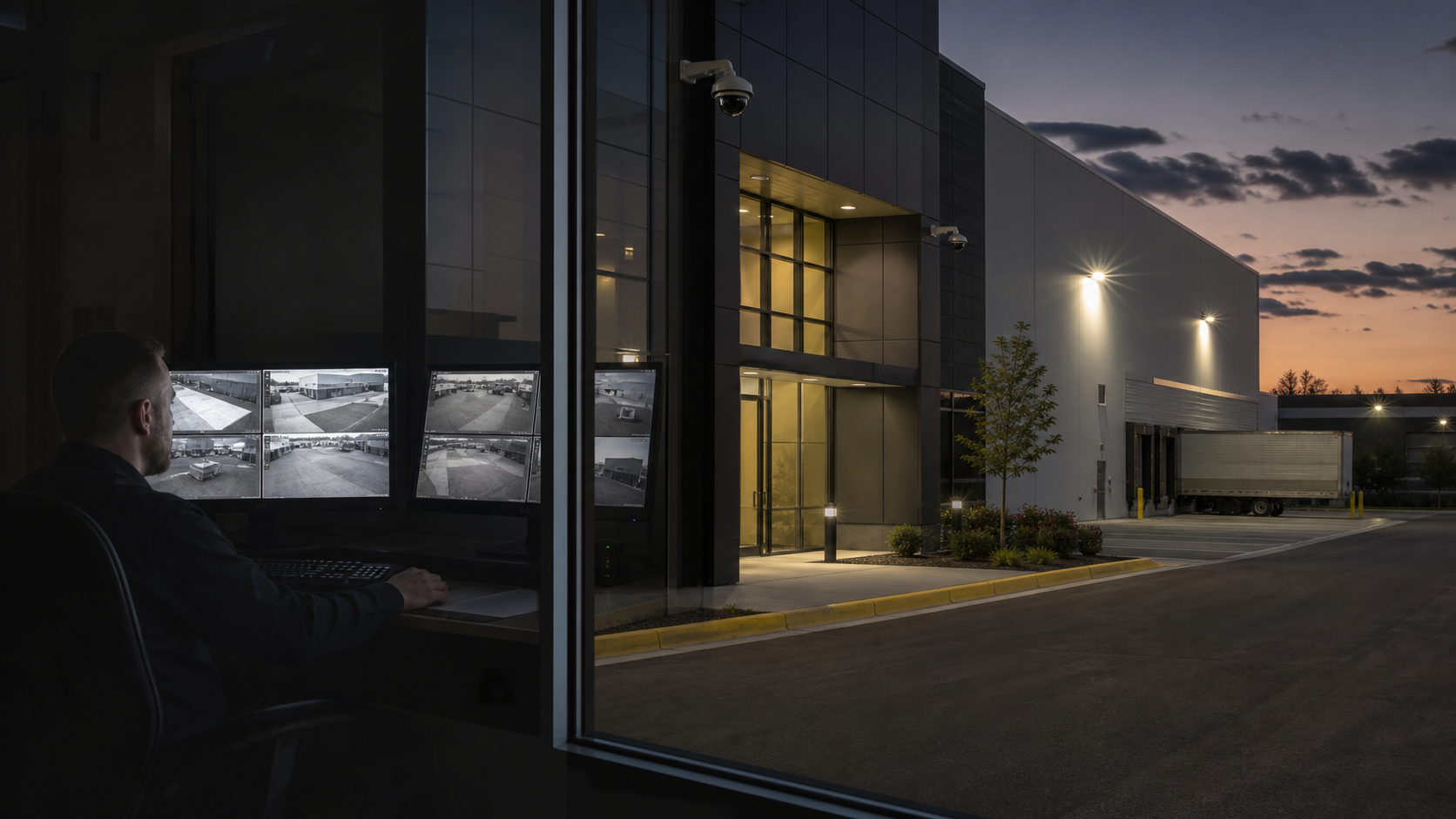
Virtual Security Guard
Depending on the property, duties, schedule, and response plan, a meaningful portion of traditional guard monitoring may be handled remotely. Analytics help flag defined events, and a trained human operator verifies what is happening before following the approved response plan.
Virtual coverage may reduce on-site guard labor and cost less for defined areas or schedules, depending on the property and the duties involved.
Operators review flagged activity, observe the event, and respond according to a documented workflow.
Existing cameras may be evaluated for reuse based on coverage, image quality, compatibility, connectivity, and the monitoring plan.
How It Works
Configured analytics surface a person, vehicle, movement, or other defined event for review.
A trained operator reviews the available live and recorded context before deciding whether the event is actionable.
The operator continues watching the situation and follows the site-specific response plan.
Where lawful and supported, live or prerecorded audio can announce that the property is being monitored or provide directions.
Designated personnel can be notified according to the approved escalation sequence.
When appropriate under the response plan, the operator may contact law enforcement. Dispatch and arrival remain under local agency control.
The operator can continue observing and provide situational updates while the event remains visible.
Active Intervention
AI-assisted analytics can flag activity, but they do not replace human judgment. A trained operator verifies the event, responds through the approved workflow, and keeps watching as conditions change.
Common Questions
For many properties and duties, yes. Remote monitoring can replace or supplement on-site coverage when the camera design, operator workflow, audio intervention, and escalation plan support it. On-site staff may still be appropriate for physical intervention, escorts, visitor handling, access duties, or other work that requires a person at the property.
Possibly. 210 Solutions can evaluate camera placement, image quality, compatibility, network condition, access, analytics support, and the proposed monitoring workflow before recommending what can be reused.
No. Analytics help surface defined events for review. A human operator verifies the available context and follows the documented response plan.
Request a Callback
Start with the property, current cameras, coverage schedule, guard responsibilities, and the response you expect. 210 Solutions will help determine whether virtual security guard monitoring fits.