Video Guide
LED Wall vs. Projector vs. Video Wall: How to Choose the Right Display
Compare direct-view LED, projection, and tiled LCD by brightness, viewing distance, image seams, service needs, and the way your room will actually be used.
Short answer
What to know
Choose direct-view LED when brightness, a seamless canvas, or a custom size matters most. Choose projection when you need a very large image in a light-controlled room and want to manage the initial investment. Choose tiled LCD when dense, multi-window content and serviceable commercial panels matter more than invisible seams. The right answer depends on the closest viewer, the content, ambient light, operating hours, infrastructure, and support plan.
Resource guide
The full explanation
Key takeaways
- Start with viewing distance, content, ambient light, operating hours, and service access—not a preferred display technology.
- Direct-view LED is bright and seamless, but pixel pitch and physical screen size determine image detail at close range.
- Projection remains practical for very large images in controlled rooms; current laser projectors reduce lamp maintenance, but the room and screen still matter.
- Tiled LCD remains useful for control rooms and multi-window layouts where visible seams are acceptable.
- Consumer televisions are not a shortcut to a professional video wall; duty cycle, control, calibration, signal processing, mounting, and serviceability all need to be designed as a system.
The room makes the decision
LED walls, projectors, and tiled LCD video walls can all create a large visual canvas. They do it in different ways, and those differences affect what people see, how the system fits the room, and what it takes to support it over time.
The best starting point is not a product. It is the room: the closest viewer, the type of content, the available light, the hours of operation, the structure, and the way technicians will reach the system later. That is how we approach digital signage and video wall design, whether the display is going into a lobby, boardroom, operations center, sanctuary, auditorium, or showroom.
Quick comparison
Direct-view LED
Best fit: Bright spaces, seamless presentation surfaces, custom sizes or shapes, and rooms where the display must make a strong visual impact.
Plan for: Pixel pitch, total screen resolution, closest viewing distance, power, heat, structure, processing, front or rear service access, and budget.
Projection
Best fit: Very large images in rooms where lighting, sightlines, and the projection path can be controlled.
Plan for: Ambient light, screen material, throw distance, lens selection, shadows, rigging, ventilation, alignment, and service access.
Tiled LCD video wall
Best fit: Control rooms and other multi-window applications where high pixel density and individually serviceable commercial panels matter more than an uninterrupted image.
Plan for: Visible seams, panel alignment, color and brightness matching, calibration, signal processing, mounting precision, and a replacement strategy.
When direct-view LED makes sense
Direct-view LED is self-emissive: the pixels produce their own light. That gives it a major advantage in high-ambient-light environments and allows it to form one continuous image without the panel seams of an LCD wall. Modular cabinets also make unusual dimensions and aspect ratios possible.
Pixel pitch—the center-to-center distance between adjacent LED pixels—is one of the most important design variables. A finer pitch can hold more detail at a closer distance, but it usually costs more. A frequently used early planning guideline is roughly eight feet of viewing distance for each millimeter of pixel pitch. That is only a starting point. Text size, camera images, spreadsheets, the total canvas resolution, and the closest critical viewer should drive the final choice.
A large wall can still look wrong if the content does not match its resolution or if service access was treated as an afterthought. Outdoor LED also requires purpose-built outdoor hardware plus environmental, structural, power, and brightness planning; an indoor display specification should never be assumed to transfer outdoors.
When projection is still the right answer
Projection remains a practical way to create a very large image, especially in performance and large spaces where lighting can be controlled and the projection path can be protected. It can also be a strong fit for training rooms and selected conference rooms.
Because a projected image is reflected light, uncontrolled daylight and room light reduce perceived contrast. An ambient-light-rejecting screen can improve performance when its optical properties, projector position, viewer locations, and room lighting are designed together. It does not make projection immune to direct sunlight or poor room conditions.
Many current business projectors use laser light sources, so the old assumption that every projector needs frequent lamp changes is outdated. Some current models advertise approximately 20,000 hours of light-source operation and low routine maintenance. That does not make the entire system maintenance-free: filters, lenses, vents, alignment, screens, mounting, and the room environment still matter, depending on the model and installation.
Where tiled LCD video walls still fit
Tiled LCD systems use multiple commercial displays to create one larger canvas. Their bezels create visible seams, but current narrow-bezel products can make those seams much less prominent. For operations centers, security rooms, and other spaces that keep many detailed sources visible at once, that tradeoff can be completely reasonable.
Commercial video-wall displays are available with 24/7 operating ratings, calibration tools, narrow and consistent bezels, and control features designed for multi-panel use. The design still needs a plan for alignment, heat, brightness and color consistency, image retention risk, signal distribution, and replacement panels. A replacement installed years later may need calibration to match panels that have aged in place.
Why consumer TVs are a poor video-wall shortcut
Four consumer televisions can be mounted in a grid, but that does not automatically make them a professional video wall. Before using any display in a tiled system, confirm its rated operating hours, warranty terms, bezel consistency, control method, calibration capability, signal processing, mounting tolerances, and service access.
Consumer products may be perfectly appropriate as individual displays. A multi-panel wall is different: the displays, mounts, processor, cabling, control, ventilation, and content workflow must behave as one system. Commercial displays designed for that purpose usually provide a more predictable result and a clearer support path.
Five questions that usually settle the decision
- How close is the closest critical viewer? This affects LED pixel pitch, visible LCD seams, and whether the image resolution is useful at that distance.
- What content will be shown? Large-format video, fine text, spreadsheets, dashboards, and many simultaneous sources have different resolution and processing needs.
- How much light can the room control? Windows, daylight direction, fixture placement, and scheduled lighting scenes can change the result more than a specification sheet suggests.
- How long will the system run, and how will it be serviced? Duty cycle, access, spare parts, calibration, and support response all belong in the design.
- What does ownership look like over the expected life? Compare the complete installed system, energy use, maintenance, content workflow, support, and future expansion—not only the display purchase price.
A practical starting point by space
Boardrooms and showrooms: Direct-view LED can create a clean, seamless focal point when close-viewing detail is properly designed. Projection can still make sense when the room is controlled and the image needs to be very large. A single large commercial flat panel may be the simpler answer at more conventional sizes.
Sanctuaries and auditoriums: Direct-view LED performs well when ambient light is hard to control or camera images must remain bright. Projection remains effective when the room, screen, rigging, and sightlines support it.
Operations and security rooms: Tiled LCD and direct-view LED are both valid. Source count, text detail, viewing distance, redundancy, uptime, and the tolerance for seams should decide.
Lobbies, retail, and public-facing spaces: Direct-view LED offers brightness and flexible dimensions. Tiled LCD may suit content arranged around panel boundaries. In either case, the content plan and service route should be designed with the wall.
The recommendation is a system decision
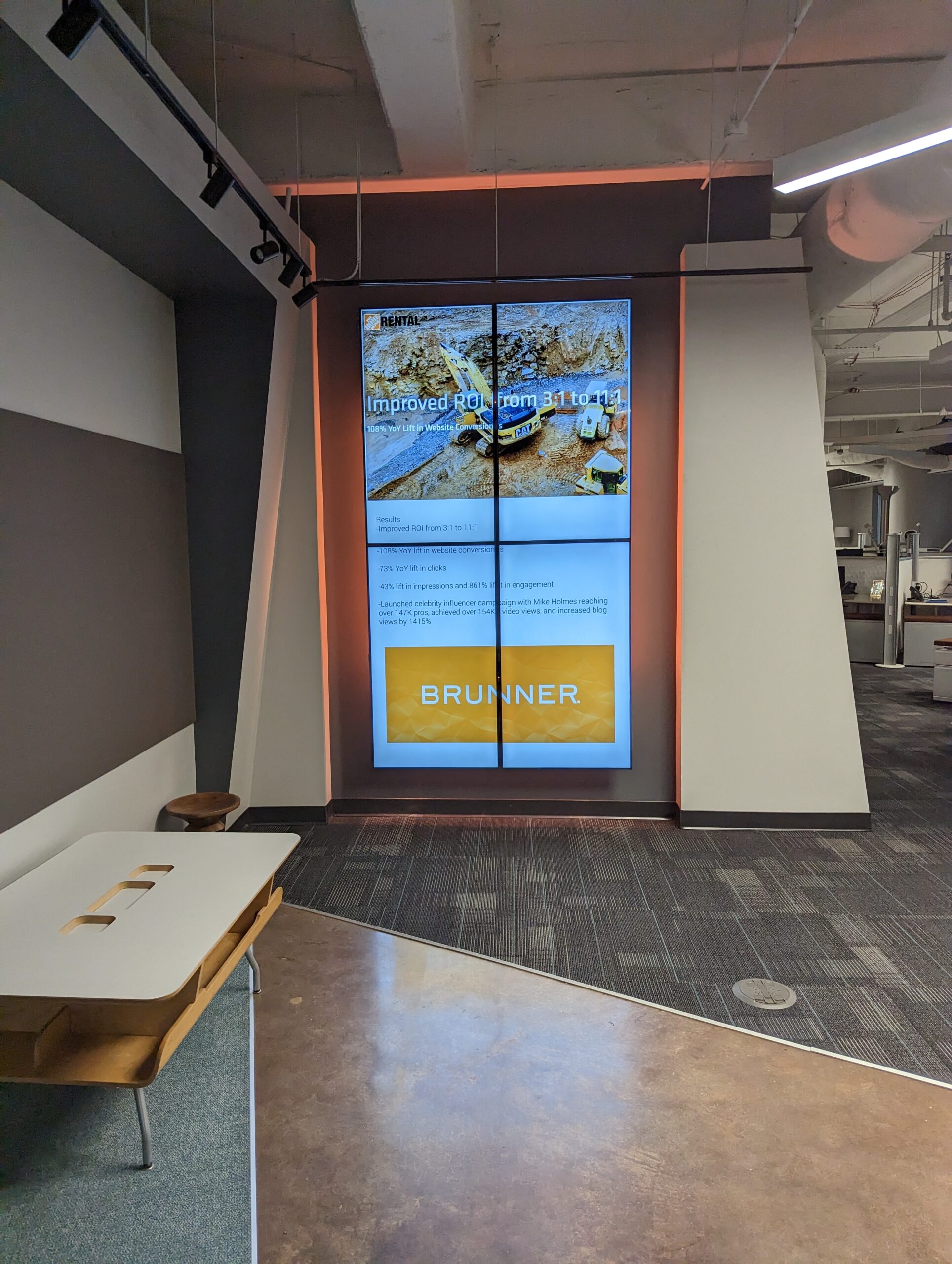
Display technology is only one part of the outcome. Structure, power, signal transport, processing, control, audio, content management, and long-term support must work together. See how those decisions come together in the Brunner digital signage modernization and the McMaster-Carr conference room modernization.
The 210 perspective
Our practical view is that none of these technologies wins every room. Direct-view LED has become a serious option for spaces that once defaulted to projection or tiled LCD, but that does not make projection obsolete or every LCD wall a mistake.
We start with the room and the content. A sanctuary showing camera images from the back of a long room has a different problem than a boardroom showing spreadsheets from eight feet away. A security operations center that keeps sixteen sources visible at once has a different problem than a lobby displaying one brand image across the wall.
The most expensive mistake is choosing the display before checking sightlines, daylight, resolution, structure, power, heat, signal distribution, and service access. The display should be the result of those decisions—not the first assumption.
Frequently asked questions
Which display is best in a room with windows?
A self-emissive direct-view LED wall or an appropriately bright commercial display is usually easier to see in heavy ambient light. Projection may still work when daylight can be controlled and the projector, screen, and room lighting are designed together. The actual room should be evaluated rather than relying on brightness numbers alone.
How do I choose LED pixel pitch?
Start with the closest critical viewer, the physical screen size, and the smallest details the audience needs to read. The often-used rule of roughly eight feet of viewing distance per millimeter of pixel pitch is useful for early planning, but content and total resolution should determine the final specification.
Do laser projectors need lamp replacement?
Laser projectors do not use a traditional replaceable lamp, and current models can offer long light-source life. Depending on the projector and environment, filters, vents, lenses, alignment, screens, and other system components may still need inspection or service.
Are LCD video walls obsolete?
No. They remain a valid choice for control rooms, security environments, and multi-window layouts where high pixel density, commercial operating ratings, and individual panel serviceability matter more than invisible seams.
Can consumer TVs be used to build a video wall?
They can be mounted together physically, but that does not mean they are rated or supported for the intended multi-panel application. A professional design checks operating hours, warranties, bezels, control, calibration, synchronized signal processing, mounts, ventilation, and service access.
Which option costs less over time?
It depends on image size, required brightness, operating hours, installation complexity, energy use, maintenance, support, and expected life. Compare the total installed and supported system over its planned life instead of comparing display prices alone.
Need help applying this?
Start with the problem, not the product.
Tell 210 Solutions what is happening in your building and what you need the system to accomplish.