GV-ASManager administration
Get help evaluating authorized user, card, schedule, access-group, and reporting changes when the installed environment and available access support them.
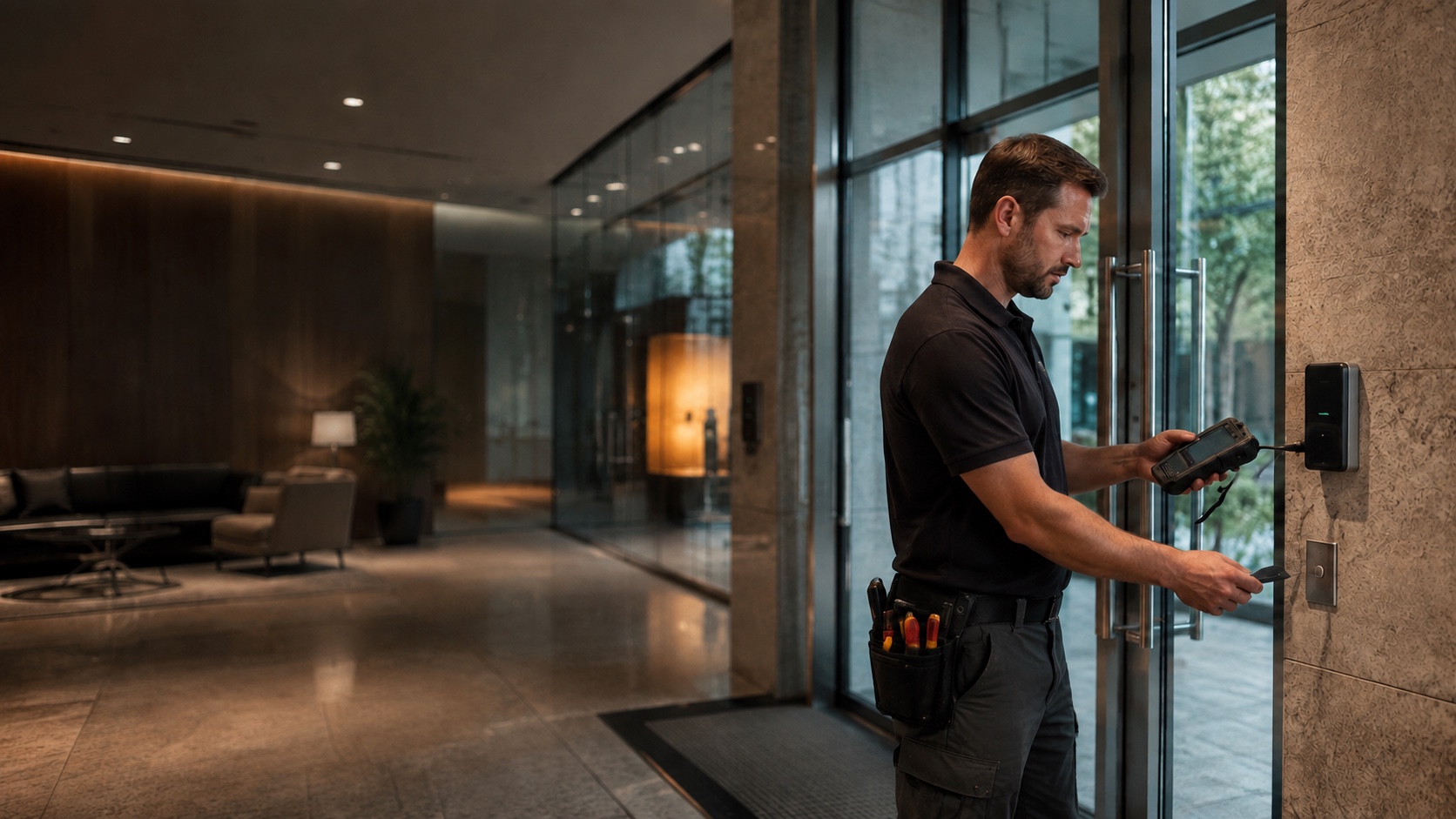
GEOVISION ACCESS CONTROL SUPPORT
Whether you need help with GV-ASManager administration, a door or credential problem, controller communication, an inherited installation, added openings, or modernization planning, 210 Solutions can help you determine the right next step. We begin with the software, controllers, doors, credentials, server access, and documentation you actually have.
HOW WE CAN HELP
Get help evaluating authorized user, card, schedule, access-group, and reporting changes when the installed environment and available access support them.
Investigate doors that do not respond correctly, readers that behave inconsistently, and credentials that are not producing the expected access.
Review controller connectivity, addressing, power, inputs, outputs, and communication with the management environment before recommending changes.
Assess the GV-ASManager host, database condition, backups, administrator access, and documentation needed to support the system responsibly.
Verify the existing software, controller capacity, licensing, network, credentials, and field conditions before planning an expansion.
Establish a supportable baseline, then compare focused repairs, retained equipment, phased upgrades, migration, or replacement.
TAKEOVER SUPPORT
A GeoVision access-control system installed by another company may have incomplete records, uncertain administrator access, an aging server, or equipment from several project phases. That does not automatically mean everything must be replaced. We can document what is present, identify what can be accessed and supported, and explain the practical options.
OUR APPROACH
We start with the immediate request and the system behind it. That includes the GV-ASManager or web environment in use, available access, controllers, doors, readers, credentials, server condition, documentation, and any verified integrations. The result may be administrative assistance, focused troubleshooting, expansion planning, phased modernization, or replacement where the evidence supports it.
Atlanta-based. Supporting organizations across Georgia, the Southeast, and select locations beyond the region when the project is a fit.
PRACTICAL OPTIONS
The responsible choice depends on system condition, administrative access, software and controller status, available documentation, capacity, security requirements, and future plans. We help separate useful existing assets from limitations that create risk or prevent dependable support.
Request a CallbackPROOF
The first proof is clarity: what is installed, what the organization controls, what is causing the immediate problem, what can remain, and which next steps deserve priority. Recommendations stay tied to the verified system and the facility’s actual operating needs.
COMMON QUESTIONS
Yes. We can begin by reviewing the software environment, administrator access, available documentation, controllers, doors, readers, credentials, and the immediate need, then explain what can be supported and what requires attention.
Where authorized access and the installed environment permit it, we can evaluate needs involving users, cards, schedules, access groups, reporting, and related administration.
Not automatically. We first determine what is working, what remains supportable, what limits the organization, and whether repair, expansion, modernization, migration, or replacement is the more responsible choice.
Possibly. The installed GV-ASManager version, controller models, licensing, capacity, credentials, network, power, and site conditions must be verified before an expansion is recommended.
Share whatever you have: the system location, the issue or change you need, software or server information, controller model numbers, recent reports, photos, prior proposals, and known administrator access. Incomplete information is common and does not prevent the conversation.
KEEP EXPLORING
REQUEST A CALLBACK
Whether the need is troubleshooting, administration, an added opening, a provider change, or a longer-term upgrade plan, share what is happening and what you need the system to accomplish. Please do not include passwords, door codes, cardholder data, or other sensitive security information in the form.