Video Guide
Security Camera System Design: What Business Owners Need to Know
Andy and Lee of 210 Solutions explain how to plan a commercial camera system around useful evidence, with practical guidance on placement, camera types, recording, storage, access, testing, and support.
Short answer
What to know
Start with the questions the footage must answer. Then match camera placement, lens, lighting, recording, retention, network design, and user workflow to those goals. Confirm that the finished system captures useful detail and that staff can find and export the video when needed.
Resource guide
The full explanation
Watch Andy and Lee discuss commercial security camera design, then use the guide and timestamps below to review the decisions that matter for your facility.
Useful Evidence Starts With the Design
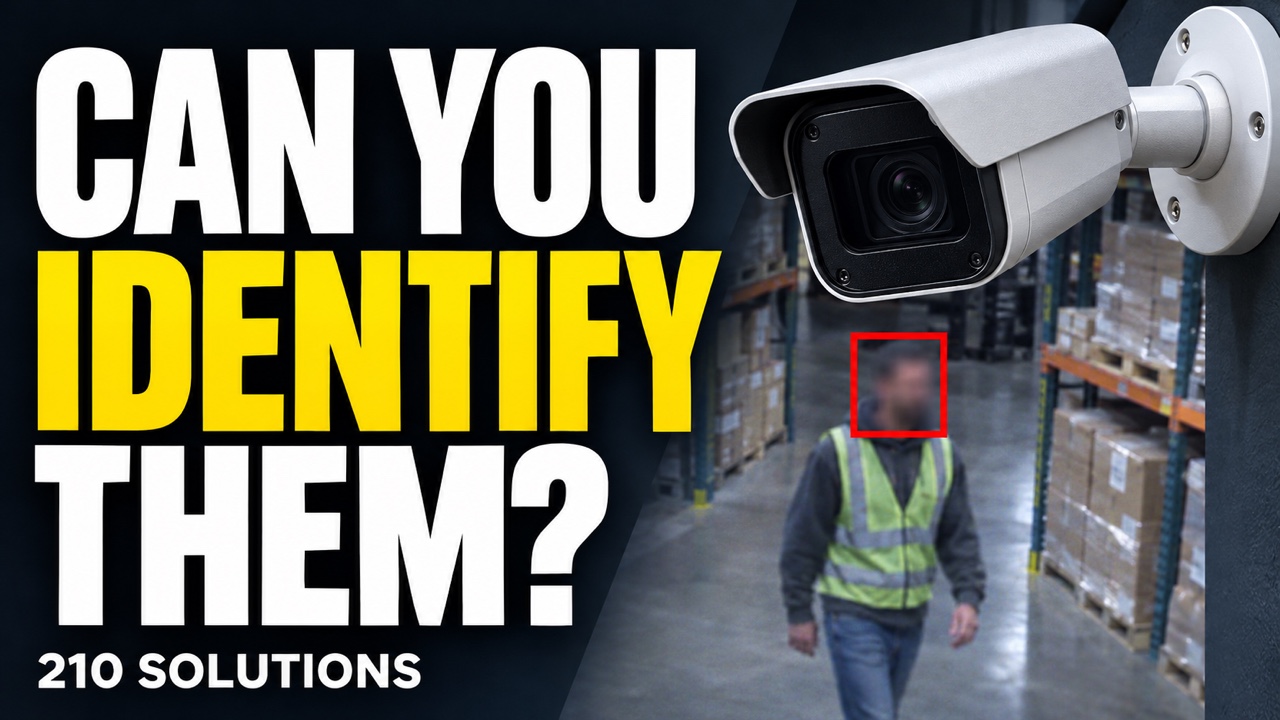
A commercial security camera system should help answer practical questions when an incident occurs: What happened? Who was involved? When did it occur? Where did they go? A wide overview can show activity without capturing the detail needed to identify a person or understand an event.
In this episode, Andy and Lee of 210 Solutions explain how they approach camera systems for businesses, churches, offices, warehouses, industrial facilities, and other commercial properties. The design begins with the customer’s goals, the site, and the questions the footage needs to answer.
Start With the Questions the Footage Must Answer
There is no single answer to “How much does a security camera system cost?” Each facility brings different risks, workflows, environmental conditions, and expectations. A retail store may need views of entrances, transactions, and merchandise. A warehouse may need broad coverage plus detailed images at doors and loading points. Budget helps prioritize those requirements.
Before choosing equipment, decide whether the goal is to observe activity, identify people, capture license plates, verify deliveries, investigate workplace incidents, monitor a production process, or support after-hours response. Those objectives can require different cameras, lenses, positions, recording settings, and storage plans.
Observation and Identification Require Different Views
Megapixels alone do not determine whether footage is useful. Subject distance, lens choice, mounting height, lighting, angle, motion, and pixels on the target all affect the result. A higher-resolution camera aimed across a large parking lot may still lack the detail needed to identify a distant person.
Choke points help concentrate detail where it matters. Entrances, exits, gates, drive lanes, and turnstiles bring people or vehicles through a predictable area. A dedicated view at that location can complement a wider overview camera.
Choose Each Camera for a Specific Job
Andy and Lee discuss dome, bullet, turret, fisheye, fixed, and pan-tilt-zoom cameras. Dome cameras can make the exact viewing direction less obvious. Bullet and turret cameras make their aim easier to recognize. Fisheye cameras offer broad situational awareness, but an expansive view may not provide the close detail needed for identification.
PTZ cameras can be valuable when an operator actively controls them or when they supplement fixed coverage. An unattended PTZ can be looking away from the incident. Consider who will operate it and what remains recorded while it follows another subject.
Floor plans are a starting point. A site walk can reveal shelves, pallet racks, equipment, vaulted ceilings, steam, dust, humidity, reflections, headlights, and mounting problems that drawings miss. Select equipment and installation methods for the actual environment.
Review day and night footage. Nearby surfaces can reflect infrared illumination into the lens, and changing light can create shadows or glare. Check the view under the conditions in which you expect to need it.
Plan Recording, Storage, and Access Together
Continuous recording preserves the timeline. Motion-based recording can reduce storage use, but poorly configured detection can miss context or an important event. Where supported, a hybrid approach can keep a lower-frame-rate background record and increase frame rate or image quality when activity is detected. Test pre-event and post-event recording settings.
Frame rate affects motion detail, bandwidth, and storage requirements. Select it for the activity being investigated and verify the result with moving subjects under real lighting conditions.
Retention should reflect how long incidents may take to be discovered and investigated, along with applicable insurance, contractual, industry, or legal requirements. There is no universal storage period for every business. Plan how relevant incident footage will be exported and preserved outside the normal overwrite cycle.
A front-desk employee may need live viewing, while a manager may need playback and export permissions. Limit administrative and deletion rights appropriately. Address simultaneous viewers, remote access, viewing stations, approvals, and responsibility for responding to alerts.
For more detail, read how long to keep security camera footage and explore long-term video storage and search.
NVR, Server, or Cloud: Know Where the Video Lives
The episode compares network video recorders, server-based video management software, and cloud or hybrid systems. A small office and a multi-building campus may need different architectures. Compare camera capacity, search and export tools, resilience, licensing, recurring costs, expansion, and the ability to move to another provider.
Ask whether a cloud offering actually stores video off site or manages a system whose recordings remain on a local recorder or camera. Confirm what remains available after a hard-drive failure, internet outage, or damage to the site. Remote access alone does not establish that off-site copies exist.
Plan the Network, Handoff, and Ongoing Checks
Camera traffic, switch capacity, power, environmental conditions, and maintenance access belong in the design. Andy and Lee discuss separating camera traffic from everyday business traffic. Coordinate the architecture, communication rules, and secure remote access with the organization’s IT team.
At handoff, staff should know how to find and export an incident and where to obtain support. Keep an accurate camera list, network addresses, serial numbers, license information, and securely managed credentials. Missing passwords can make future service much more labor-intensive.
Review recordings after commissioning, including nighttime images, and continue checking that cameras are online, correctly aimed, and retaining the intended history. Health monitoring can flag equipment problems; it should accompany checks of image quality and usable evidence. Remote video monitoring also needs a clear response workflow.
Episode Topics and Timestamps
- 01:06 — Budget and system design
- 03:03 — What your footage needs to answer
- 05:25 — Identification detail, pixels on target, and choke points
- 08:09 — Camera types, fisheye coverage, and PTZ tradeoffs
- 11:31 — Site walks and environmental conditions
- 14:47 — Lenses, mounting height, and image detail
- 19:01 — Lighting, HDR, and reflections
- 20:06 — Moving subjects, frame rates, and storage
- 22:14 — Continuous, motion-based, and hybrid recording
- 23:56 — Nighttime performance and installation review
- 27:47 — Retention, networks, and storage redundancy
- 33:22 — Permissions, remote access, and video monitoring
- 36:45 — Testing and health monitoring
- 39:36 — Support and documentation
- 43:19 — NVRs, servers, licensing, and cloud video
Commercial Camera Design Checklist
- Define the questions the video must answer.
- Identify priority entrances, exits, transactions, vehicle paths, and operational zones.
- Pair overview coverage with identification views where needed.
- Walk the site to verify mounting, lighting, obstructions, and environmental conditions.
- Match camera type, lens, and height to each scene.
- Test day and night performance and moving subjects.
- Choose recording and retention settings around risk, storage, and applicable requirements.
- Plan network capacity, power, remote access, and permissions.
- Document the equipment, licenses, settings, and securely managed credentials.
- Practice searches and exports and schedule ongoing checks.
Frequently Asked Questions
Do more megapixels always produce better evidence?
No. The lens, distance, angle, lighting, and placement must put useful detail on the subject. A well-positioned camera can provide more useful evidence than a higher-resolution camera installed too far away or aimed poorly.
When should a business use a PTZ camera?
A PTZ can help an operator inspect a scene or supplement fixed coverage. For unattended recording, fixed cameras may provide more dependable views because they do not turn away from an area at the wrong moment.
How long should security video be retained?
There is no universal period. Consider incident-discovery timelines, the value of the footage, storage capacity, insurance considerations, contractual obligations, and applicable rules. Translate those needs into a measured storage plan.
How often should a camera system be checked?
Review it soon after commissioning and regularly thereafter. Confirm that cameras are online, aimed correctly, recording as expected, and producing useful day and night images. Practice finding and exporting footage before an urgent incident.
Design for the Incident Before It Happens
Pair broad coverage with deliberate detail views, plan recording and access early, test the completed system, and provide a support path after installation.
210 Solutions designs, modernizes, and supports commercial video surveillance systems across Atlanta and the Southeast. Explore our video surveillance services, or request a callback to discuss your facility, risks, and workflow.
Need help applying this?
Start with the problem, not the product.
Tell 210 Solutions what is happening in your building and what you need the system to accomplish.